Java
Installation
For the usage of Orchestra Solution Hub, JDK21 recommended. It can be downloaded from the Oracle Website. Install the version for your operating system (32 or 64 bit). Follow the instructions of the installation assistant.
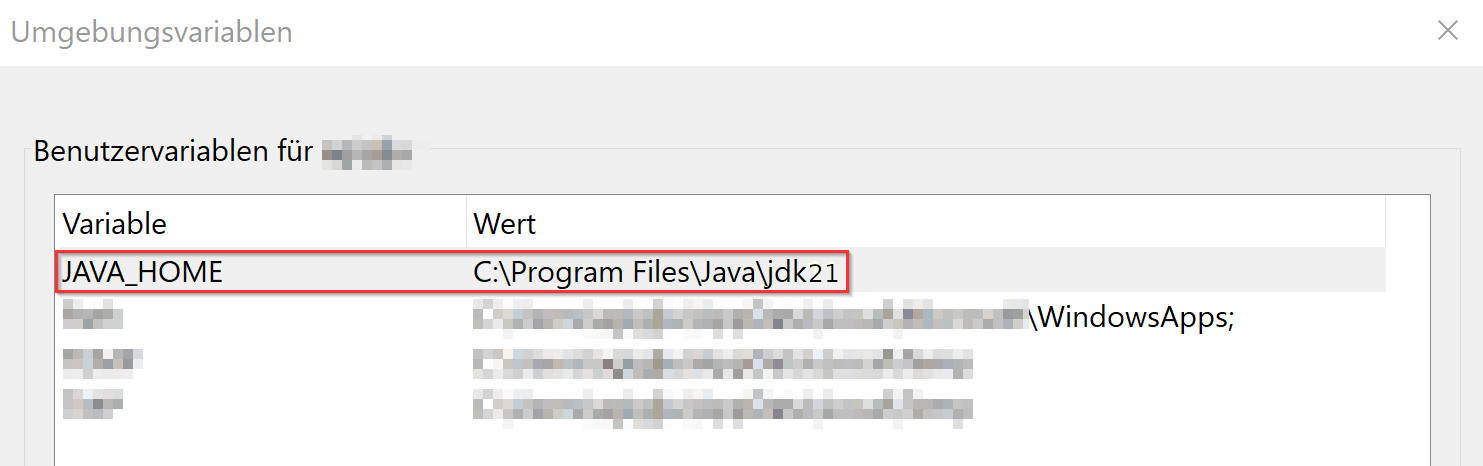
To check if the path to JAVA_HOME is correctly set, go to Computer -> System properties -> extended system properties -> Extended -> environment variables, JAVA_HOME should reference jdk21.